Guide
How to Uninstall OpenClaw
Whether you're cleaning up, moving to a different server, or starting fresh — here's how to safely remove OpenClaw and all its data.
Quick Answer
Uninstall OpenClaw: npm uninstall -g openclaw. To also remove config: rm -rf ~/.openclaw. Back up your config first with ClawSquire or openclaw config export.
⚠️ Before you uninstall
Uninstalling removes your gateway service, agent data, conversation history, and configuration. Make sure to back up first if you want to keep anything.
Back Up Config Before Uninstalling
Before uninstalling, use ClawSquire to create a config backup with one click. The Config Backups page lets you snapshot your current setup — so you can restore later if you reinstall.
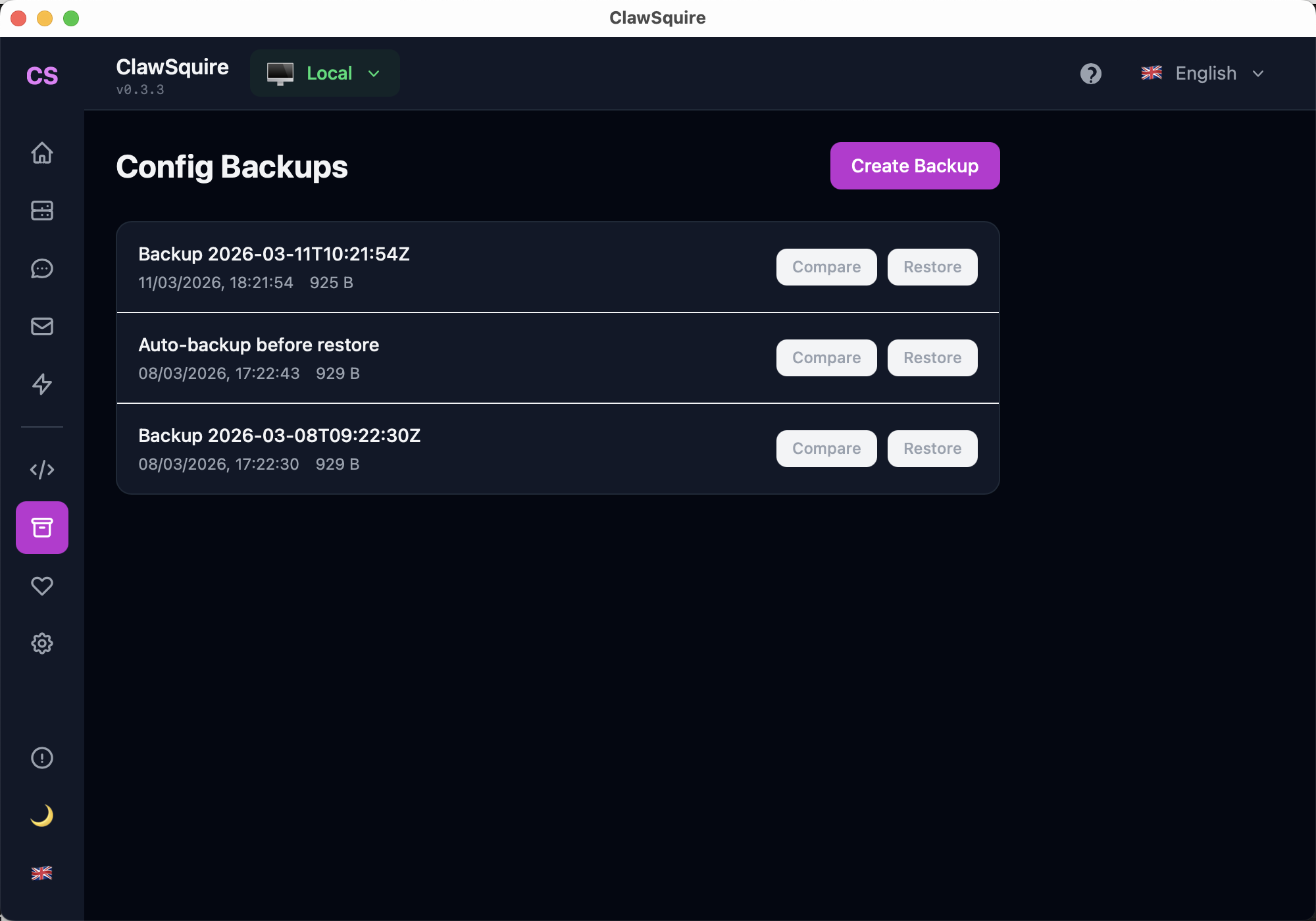
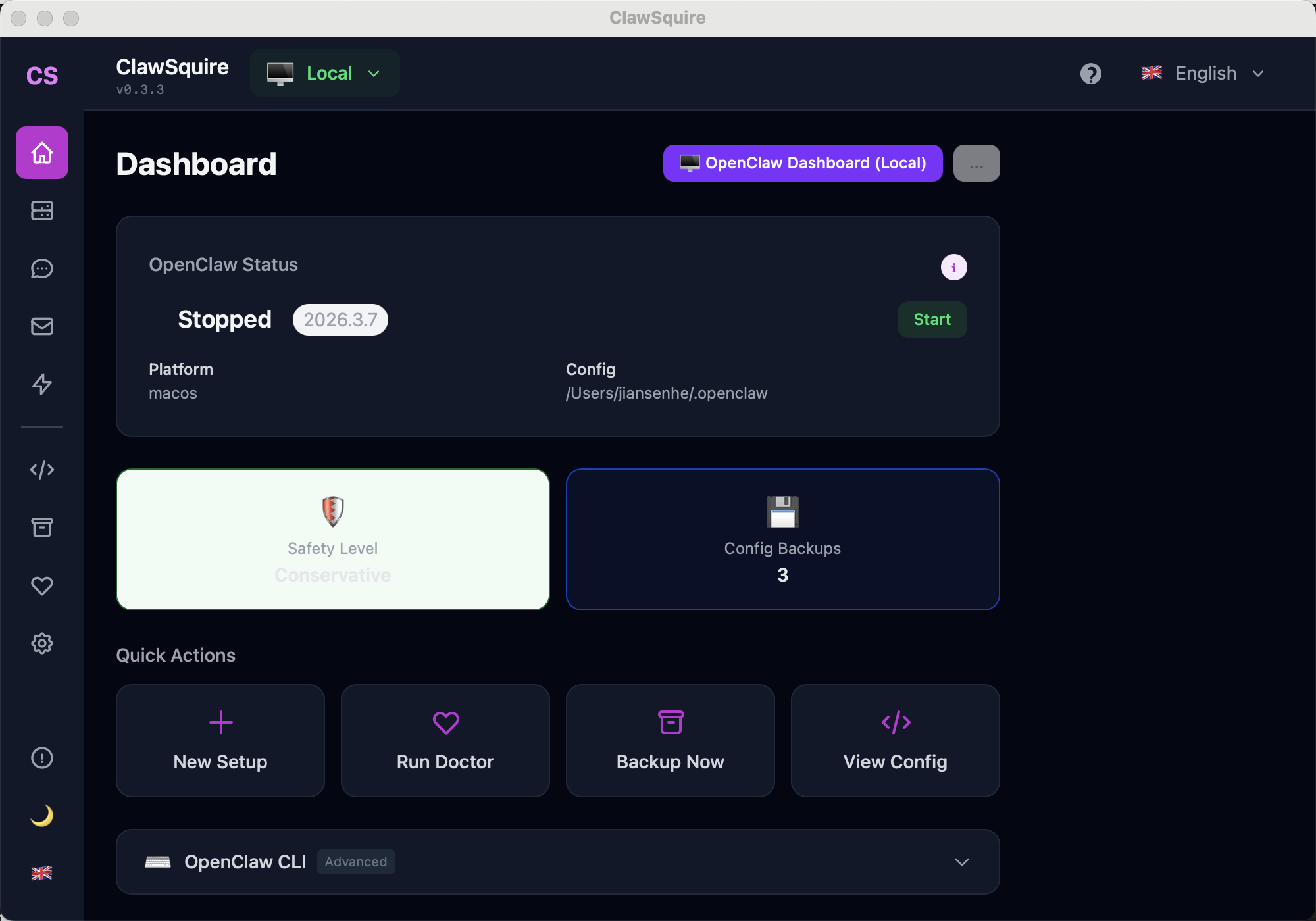
Access from Dashboard: click Backup Now on Quick Actions, or open the Config Backups page.
Manual Alternative
Uninstall from the terminal.
Back up your data (recommended)
Create a restorable snapshot of your configuration, skills, and agent data before removing anything.
openclaw backup createThis saves everything to a timestamped archive. You can restore it later on a fresh install with openclaw backup restore.
Stop the gateway
If the gateway is running, stop it first to ensure a clean removal.
# If running as a service
openclaw gateway stop

# If running in the foreground, press Ctrl+CRun the uninstall command
OpenClaw includes a built-in uninstall command that removes gateway data and services while keeping the CLI tool.
openclaw uninstallThis removes: gateway service registration, local data (conversations, sessions), and workspace files. It keeps the openclaw CLI itself installed.
Preview before removing (optional)
Not sure what will be deleted? Use dry-run mode to see a preview:
openclaw uninstall --dry-runThis lists every file and service that would be removed without actually deleting anything.
Full removal (including CLI)
To remove everything including the CLI tool and all data:
openclaw uninstall --all --yesAfter this, remove the npm package:
npm uninstall -g openclawManual cleanup (if needed)
If the uninstall command isn't available or something went wrong, manually remove the data directory:
# macOS / Linux
rm -rf ~/.openclaw

# Windows (PowerShell)
Remove-Item -Recurse -Force $env:USERPROFILE\.openclaw
The ~/.openclaw directory contains all config, agent data, and session history.
Want to reinstall later?
- →Installation guide — Full setup from scratch with GUI or CLI
- →Config backup guide — Restore your previous setup with one command
- →VPS setup guide — Moving to a server instead of local? This guide helps