Guide
How to Backup and Restore OpenClaw Configuration
OpenClaw stores your LLM providers, channels, and agent settings in a single config file. Backing it up before updates or experiments protects you from config loss or accidental changes.
Quick Answer
To backup OpenClaw config: use ClawSquire — click Backup Now on the Dashboard or Create Backup on the Config Backups page for a one-click snapshot. Use Compare to diff two backups and Restore to roll back (auto-backup created before restore). Or run cp ~/.openclaw/openclaw.json backup.json in the terminal.
Why backup matters
Version updates can break configs or change schema. A backup lets you restore quickly if something goes wrong. It also helps you compare configs before and after changes.
⟩Backup and Restore Steps
ClawSquire provides one-click backup, visual diff, and restore — no terminal needed.
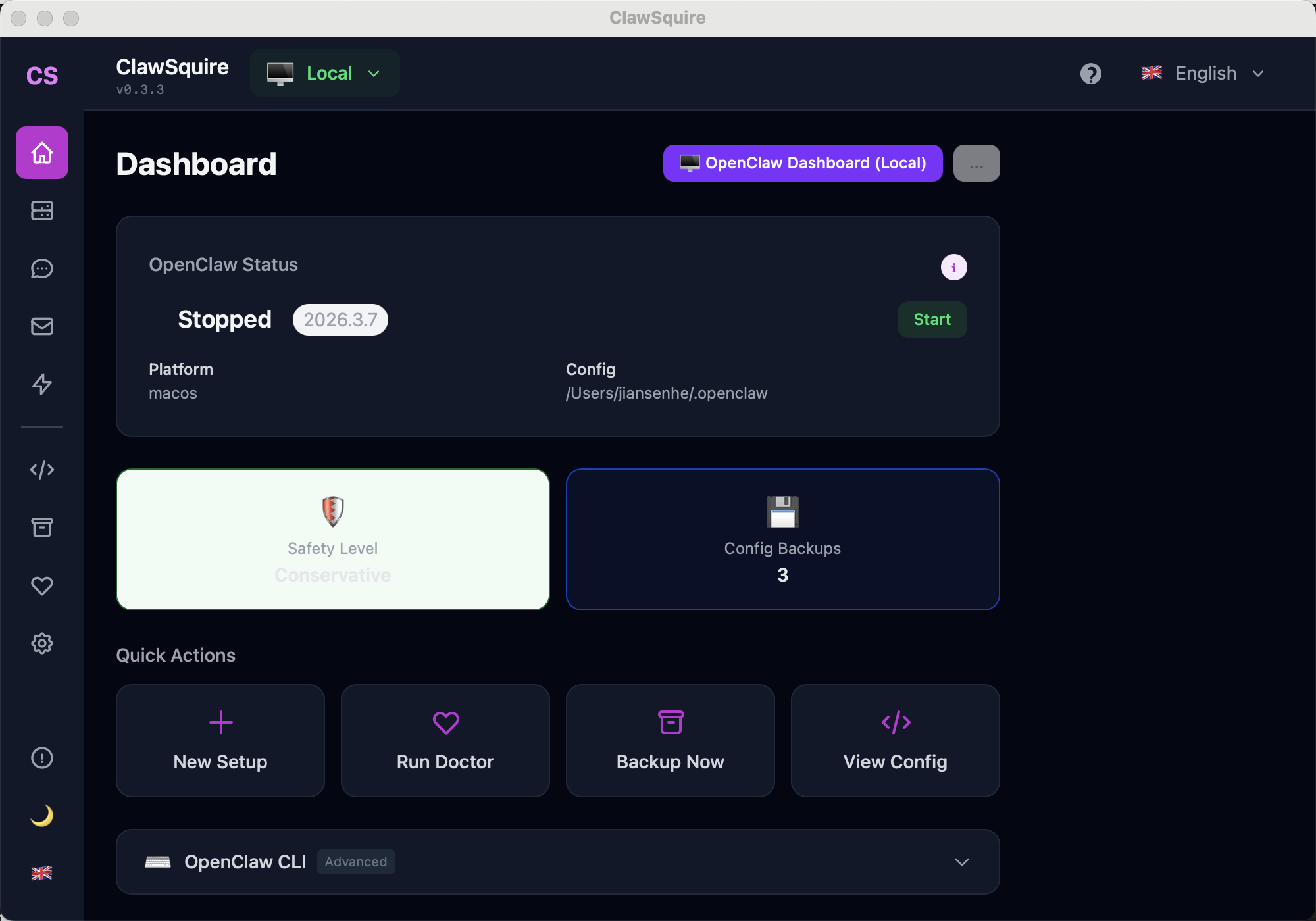
One-click snapshot of your current config. Click Backup Now on the Dashboard or Create Backup on the Config Backups page.
Visual diff between any two backups — highlights added, removed, or changed fields so you can see exactly what changed before restoring.
One-click rollback to any previous backup. ClawSquire creates an auto-backup before restore so you can undo if needed.
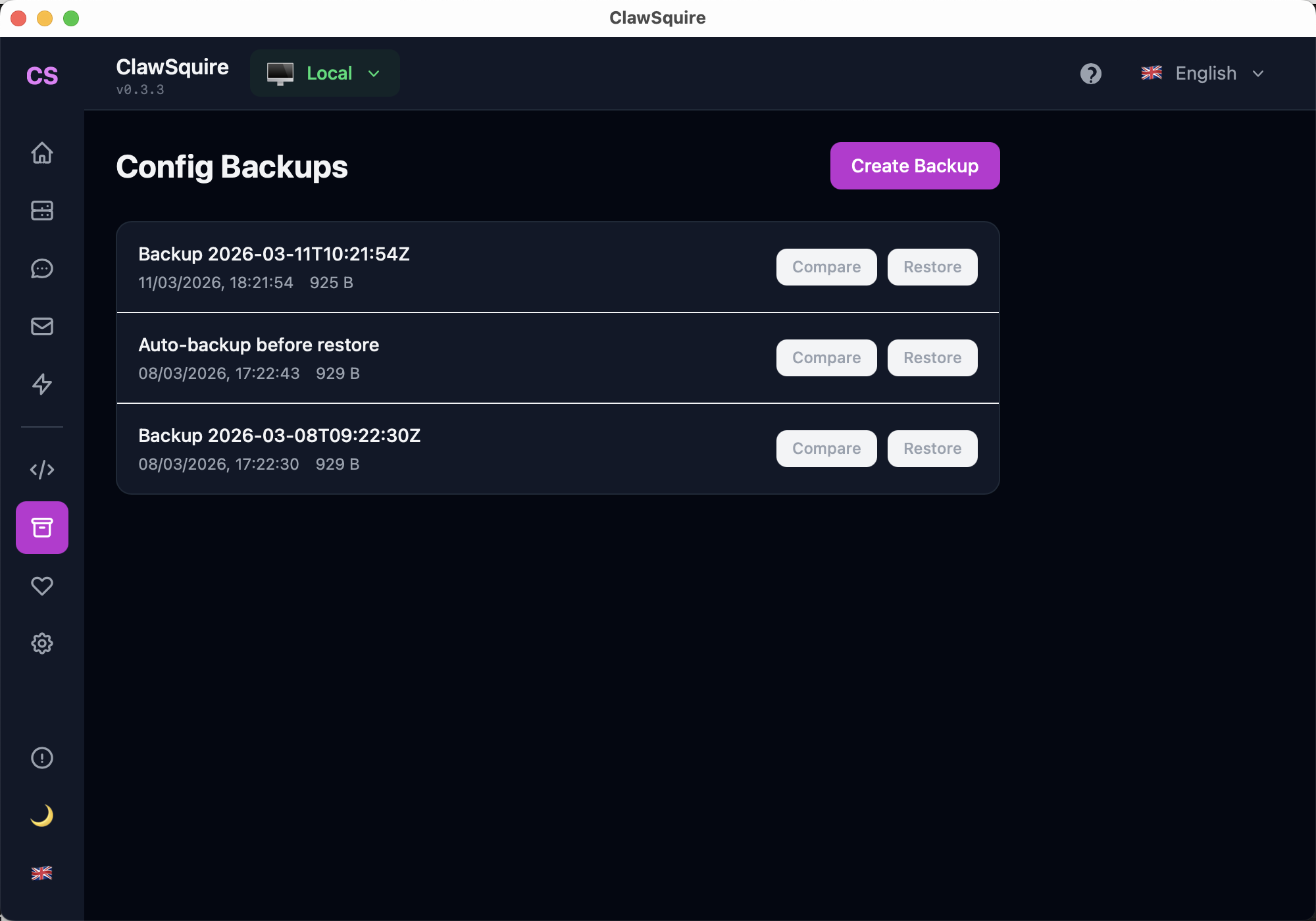
Access from Dashboard: click Backup Now on Quick Actions, or open the Config Backups page.
Manual Alternative
Create and restore backups from the terminal.
Create backup via CLI
From the terminal, run:
cp ~/.openclaw/openclaw.json backup.jsonStore the backup in a safe location. To restore manually:
cp backup.json ~/.openclaw/openclaw.jsonRestart the gateway after restoring.
⟩Troubleshooting
Where does OpenClaw store its configuration?+
OpenClaw stores config in ~/.openclaw/openclaw.json. This file contains LLM providers, channels, and agent settings.
Config validation errors after restore+
The restored config may have a different schema than your OpenClaw version. Run openclaw doctor to validate and fix. If you upgraded OpenClaw, check the changelog for breaking config changes.
Backup file not found+
ClawSquire stores backups in a local directory. Check the Config page for the backup location. For manual backups, ensure you copied from the correct path (~/.openclaw/openclaw.json).
Restore fails or gateway won't start+
Validate the config with openclaw doctor. If the schema is incompatible, try restoring an older backup or manually edit the config to match the schema.
When should I backup my OpenClaw config?+
Backup before version updates or before making manual config changes. Version updates can break configs or change schema — a backup lets you restore quickly if something goes wrong.
Next Steps
- → Run a health check to diagnose and fix issues
- → Full installation guide
- → Search OpenClaw issues for solutions to common problems
Guided setup, health diagnostics, 7 languages.