Guide
How to Update OpenClaw to the Latest Version
Keep OpenClaw up to date for new features and fixes. Config is preserved, channels reconnect automatically, and active sessions resume after the update.
Quick Answer
Update OpenClaw: npm update -g openclaw. Back up config first with ClawSquire or openclaw config export. Then restart: openclaw gateway restart.
⟩Recommended: Use ClawSquire
Before updating, create a config backup with ClawSquire (one-click). After updating, run Health Check to verify everything works.
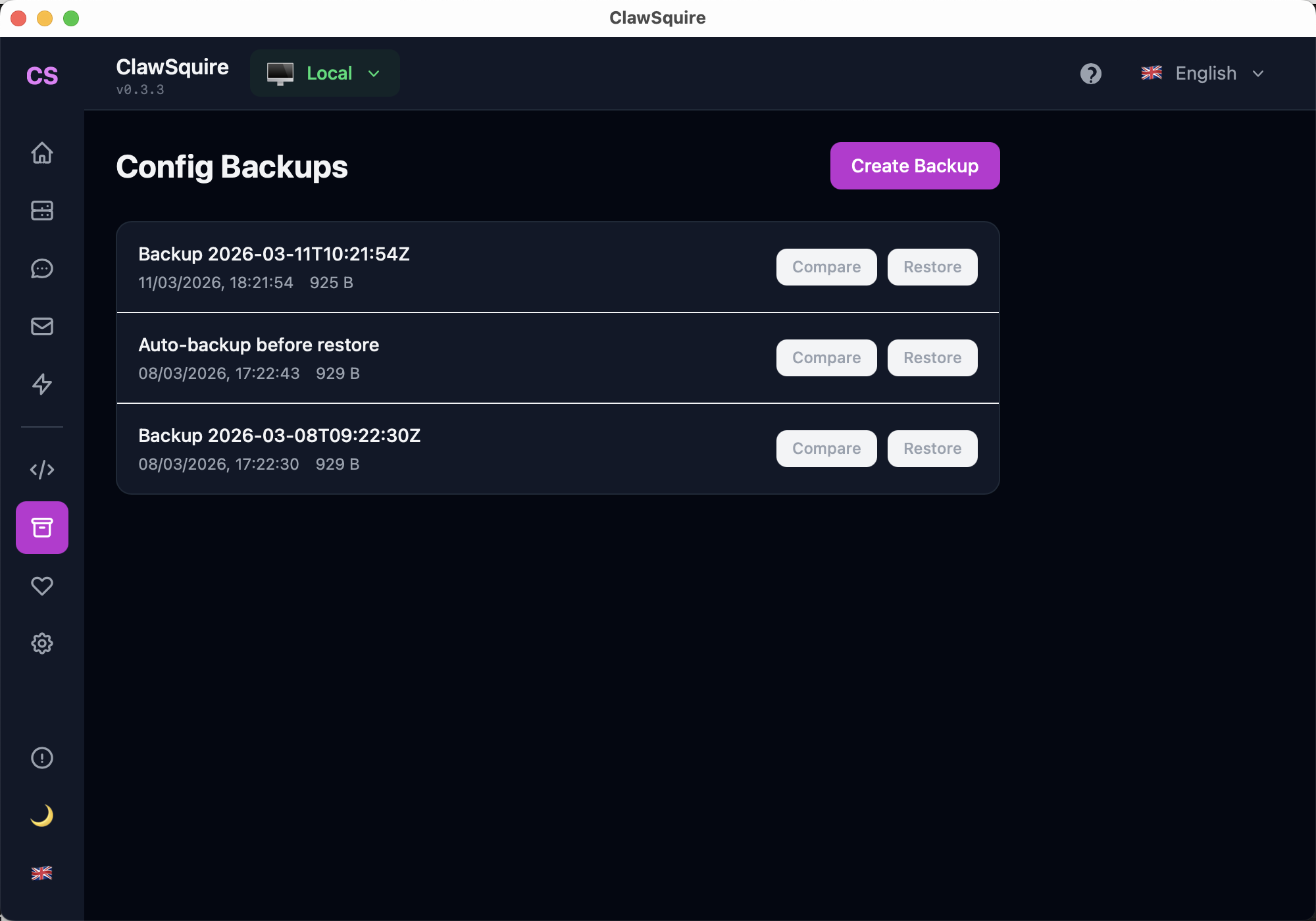
1. Create a config backup
Open ClawSquire → Config Backups → Create Backup. One click before any update.
2. Update via ClawSquire or CLI
ClawSquire checks for updates on launch and offers a one-click update. Or use the CLI steps below.
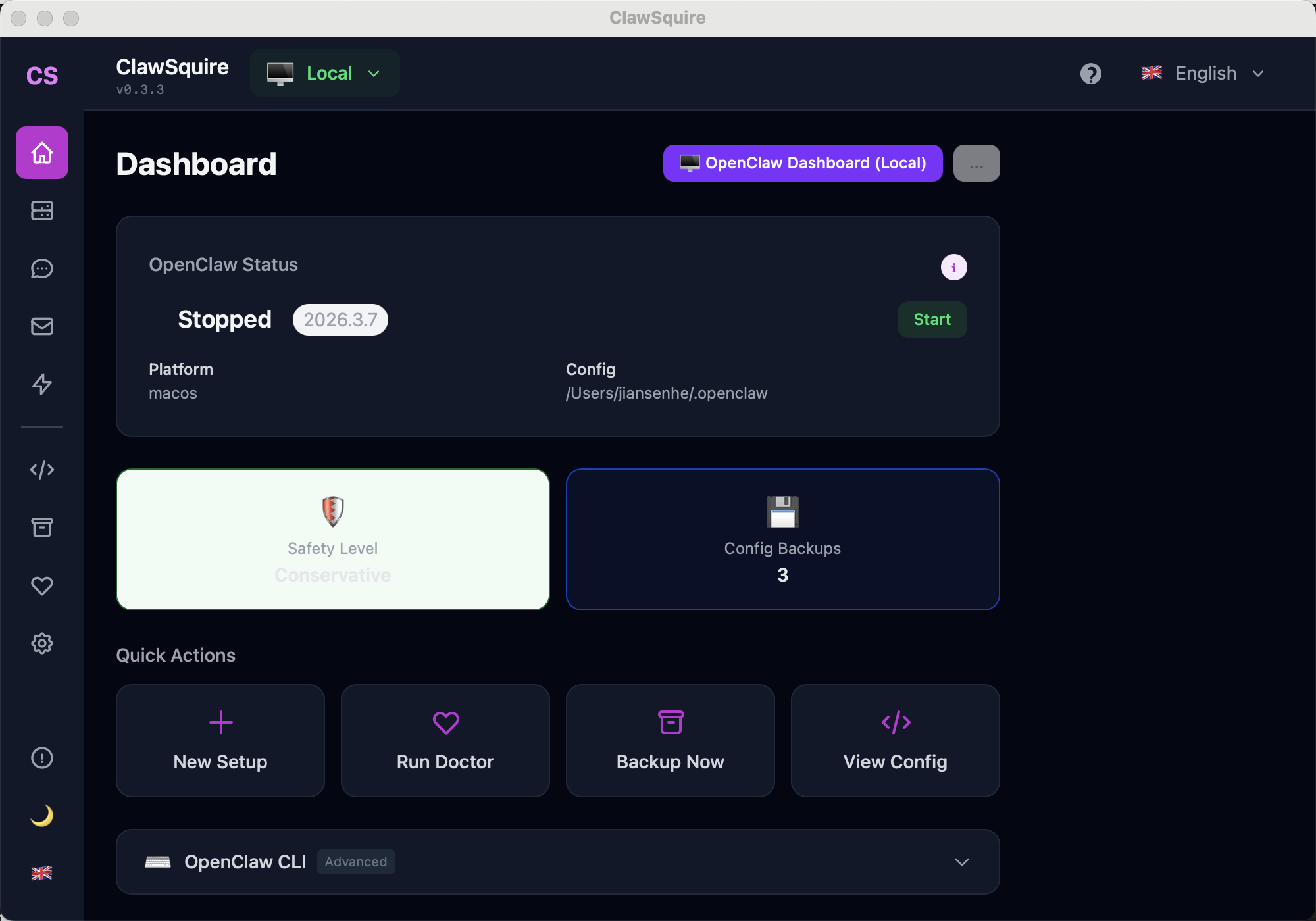
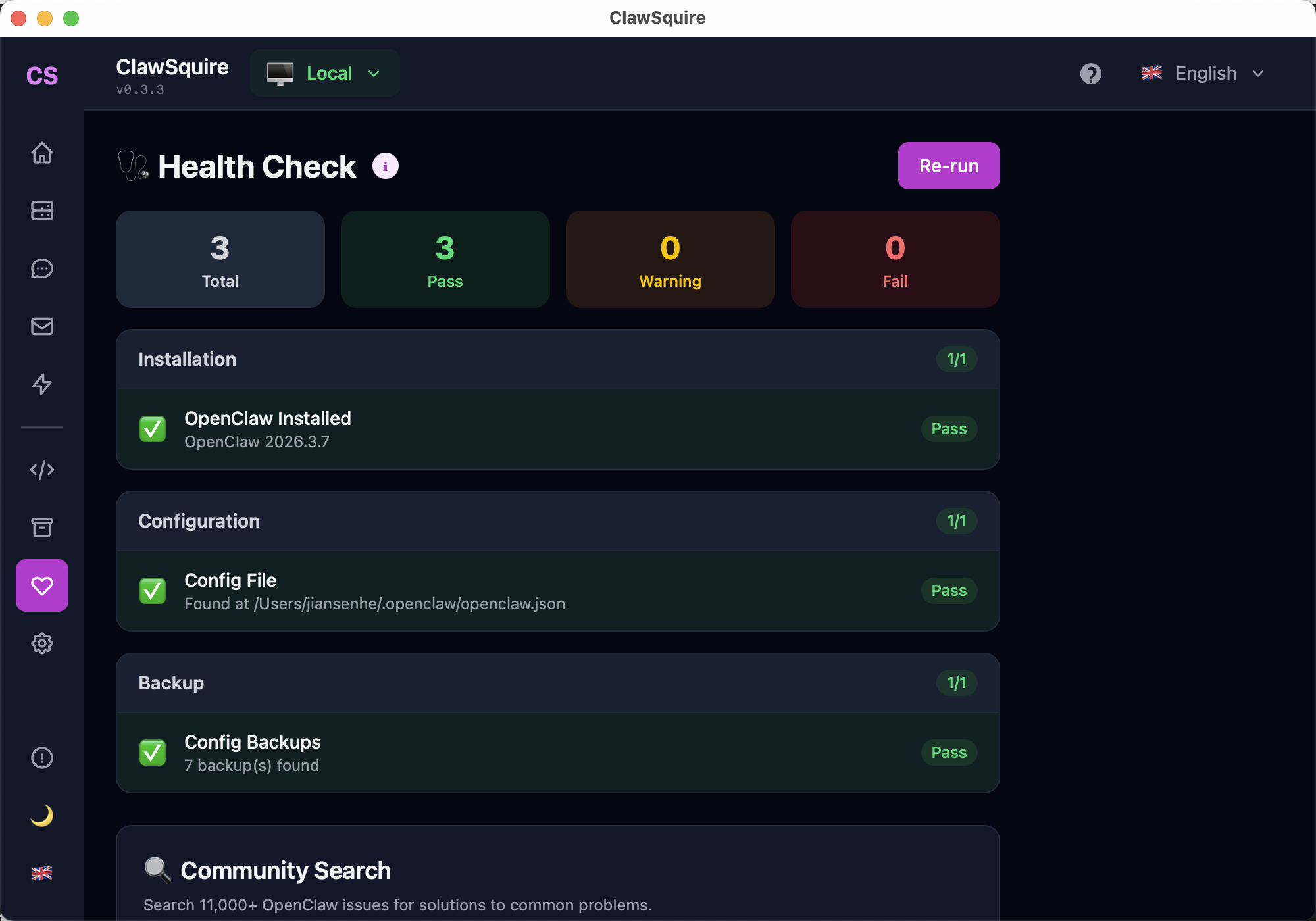
3. Run Health Check after update
Click Run Doctor on the Dashboard to verify installation, config, and backup status.
Manual Alternative
Update OpenClaw from the terminal.
Check Current Version
openclaw --versionUpdate via CLI (Recommended)
openclaw updateThis downloads and installs the latest stable version. The gateway restarts automatically.
Update via npm (Alternative)
npm update -g @anthropic-ai/openclawUpdate Docker Installation
docker compose pull
docker compose up -dVerify Update
Confirm the new version:
openclaw --versionCheck gateway status:
openclaw gateway statusUpdate on macOS/iOS
OpenClaw desktop apps update through the App Store or built-in updater.
What happens during update
- • Config is preserved
- • Channels reconnect automatically
- • Active sessions resume
⟩Troubleshooting
Update fails with permission error+
Don't use sudo. Fix npm prefix: npm config get prefix, then ensure that directory is writable, or use nvm for user-level installs.
Gateway won't start after update+
Run openclaw doctor to diagnose. Check for config schema changes or breaking changes in the release notes.
Want to pin a specific version+
Use: npm install -g @anthropic-ai/openclaw@x.y.z
Next Steps
- → OpenClaw commands reference
- → Restart OpenClaw to apply changes
- → Health check to verify everything works
- → Search OpenClaw issues