Guide
Access OpenClaw Dashboard Remotely
OpenClaw's Dashboard runs on localhost by default. Here are 4 ways to access it from any device, anywhere.
Quick Answer
Access OpenClaw remotely with ClawSquire (automatic SSH tunnel), manual SSH tunnel (ssh -NL 18789:localhost:18789 user@server), or Tailscale VPN.
ClawSquire — Easiest Remote Access
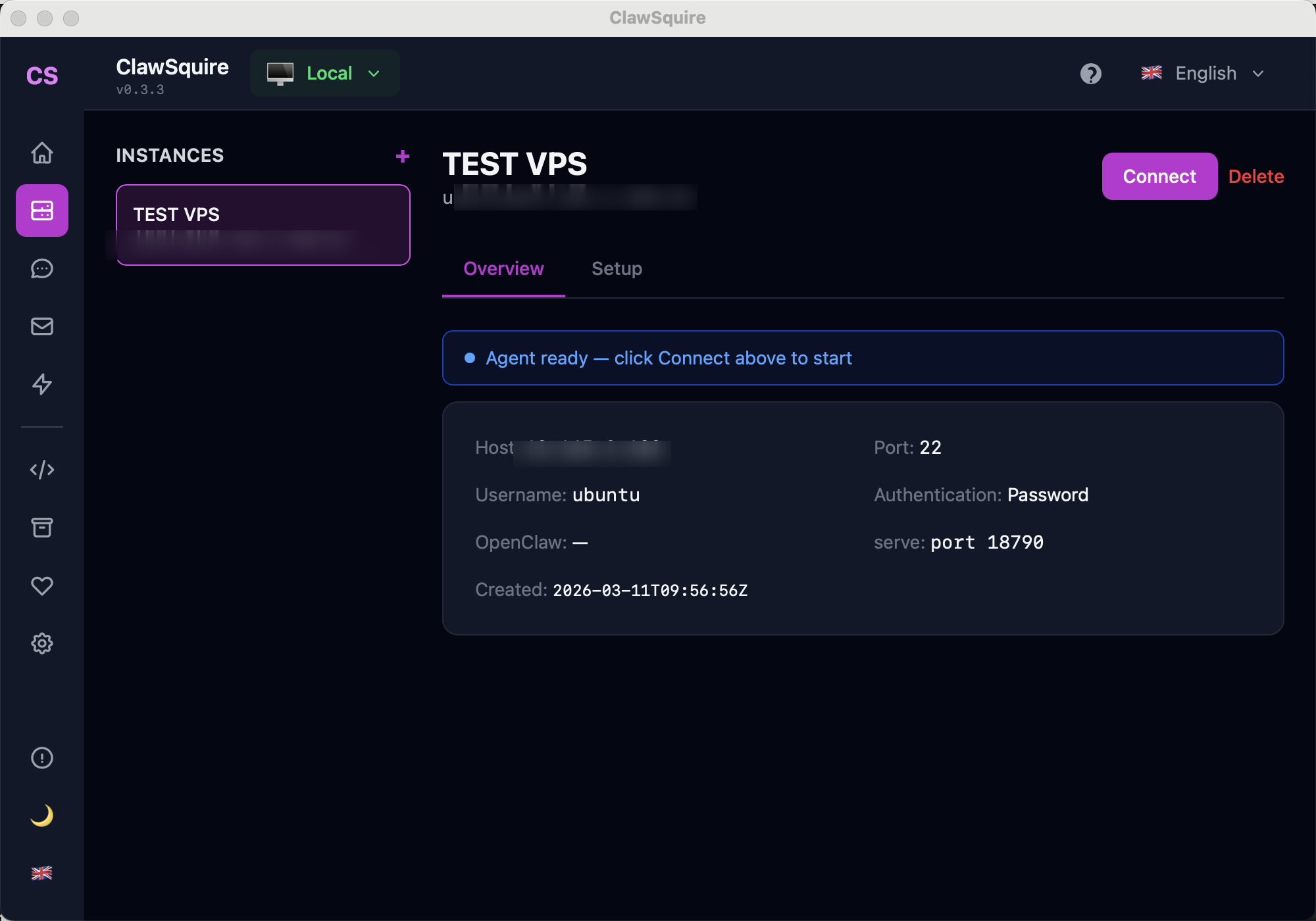
ClawSquire is the simplest way to access OpenClaw remotely. Add your VPS, click Connect, and you're done. No manual SSH commands, no port numbers to remember — ClawSquire creates the SSH tunnel automatically and opens the Dashboard in a secure local window.
Enter your server host, SSH user, and password. One click connects you to the remote OpenClaw Dashboard.
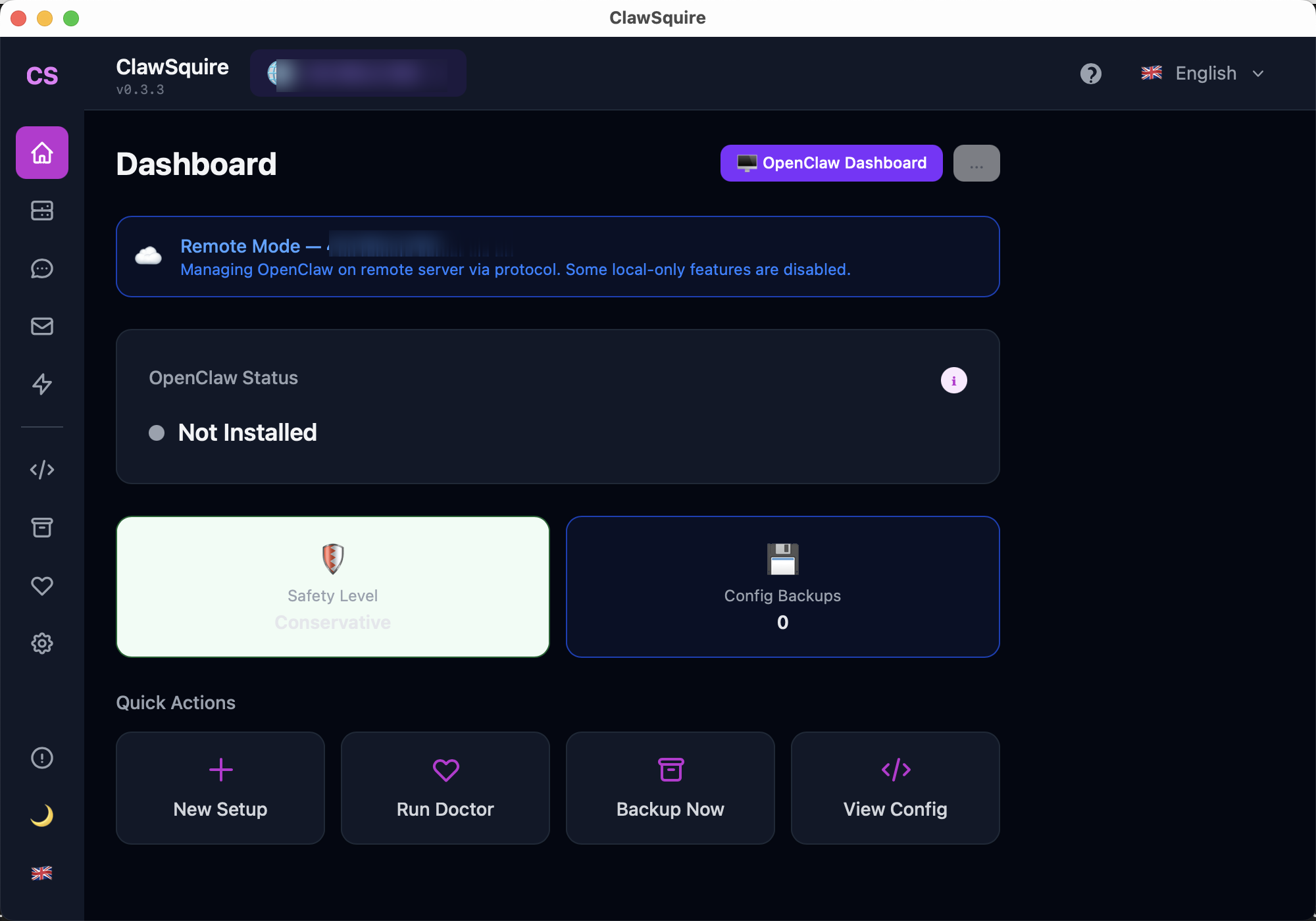
Once connected, manage OpenClaw on your VPS — config, channels, health check — all from your laptop.
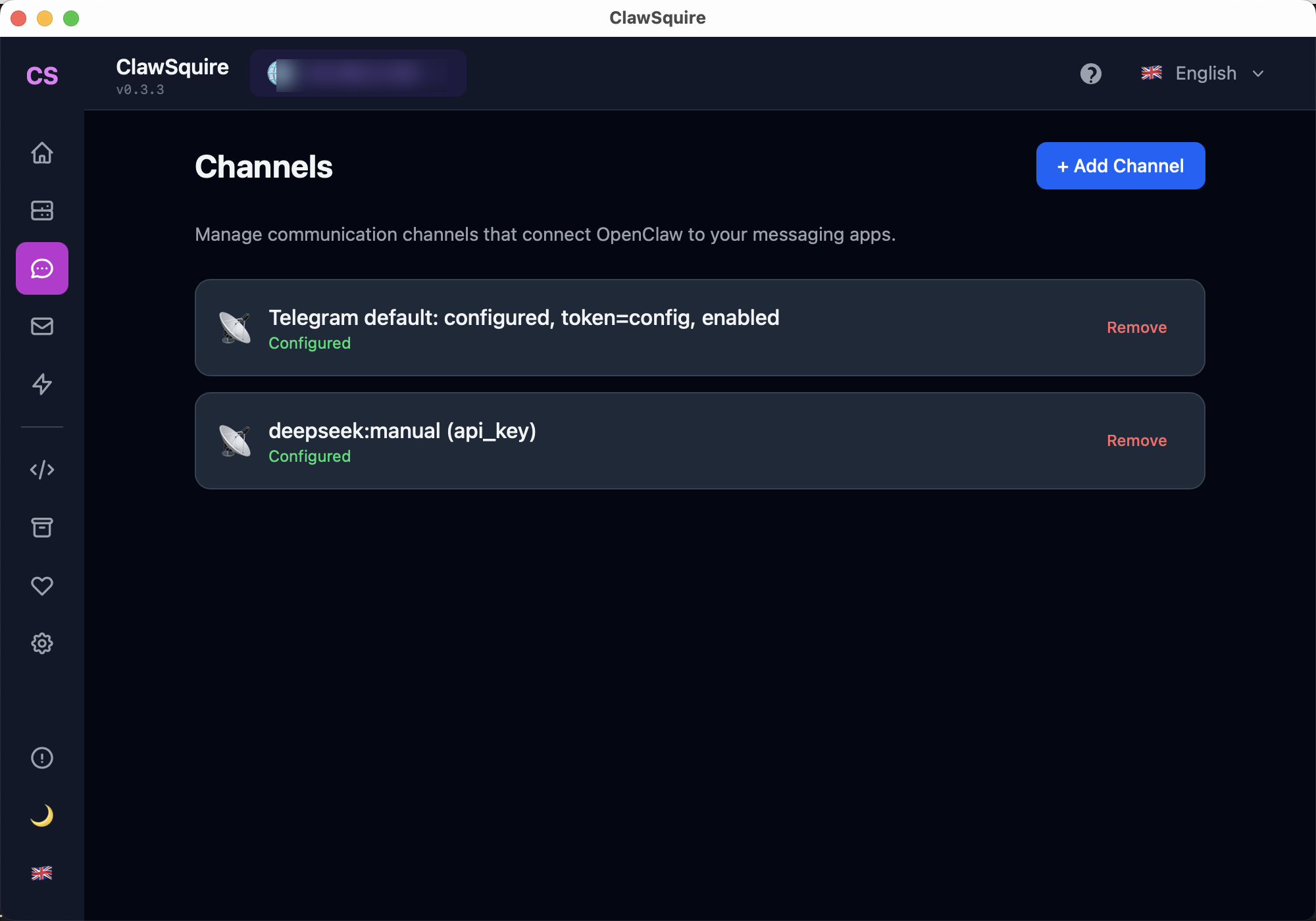
Add and manage messaging channels and LLM providers from the visual interface.
⟩Other Methods
Manual Alternative
SSH Tunnel (Simplest)
ssh -L 18789:localhost:18789 user@your-server-ipThen open http://localhost:18789 in your browser. Works immediately, no config needed. Closes when SSH session ends.
For persistent tunnels:
ssh -fN -L 18789:localhost:18789 user@your-server-ipTailscale (Zero Config VPN)
- Install Tailscale on both your computer and the server
- Both devices join your Tailscale network
- Access via
http://your-server-tailscale-ip:18789 - Always encrypted, works across NAT, no port forwarding
Reverse Proxy with HTTPS (Production)
Caddy example:
openclaw.yourdomain.com {
  reverse_proxy localhost:18789
}
Nginx example with Let's Encrypt:
server {
  listen 443 ssl;
  server_name openclaw.yourdomain.com;
  ssl_certificate /etc/letsencrypt/live/...;
  location / {
    proxy_pass http://localhost:18789;
    proxy_http_version 1.1;
    proxy_set_header Upgrade $http_upgrade;
    proxy_set_header Connection "upgrade";
  }
}
Requires domain name and DNS setup. WebSocket upgrade headers are critical for the Dashboard to work.
Comparison
⟩Troubleshooting
Dashboard loads but shows 'Disconnected'+
Connection refused+
Device identity error+
Next Steps
- → VPS setup — deploy OpenClaw on a remote server
- → Gateway token — authenticate your Dashboard access
- → Control UI HTTPS / Device Identity — fix Error 1008 over HTTP
Guided setup, health diagnostics, 7 languages.