Guide
What Port Does OpenClaw Use?
OpenClaw gateway listens on port 18789 by default. Here's how to check it, change it, and fix common port issues.
Quick Answer
OpenClaw's default port is 18789. Change it with openclaw config set gateway.port 9999. Or use ClawSquire which handles port forwarding automatically via SSH tunnel — users don't need to worry about ports.
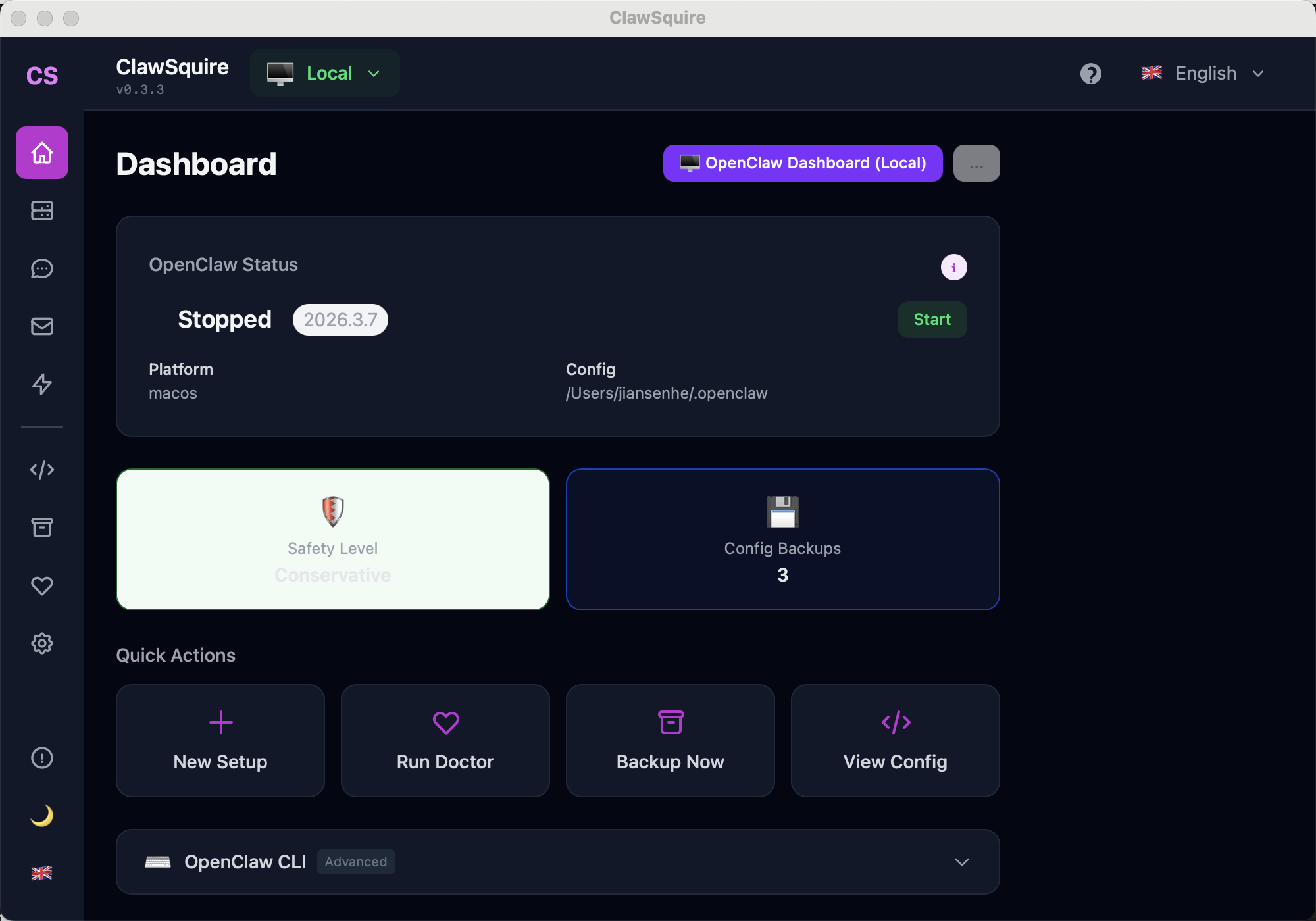
🖱️ Use ClawSquire
ClawSquire handles port forwarding automatically. When connecting to a remote server, it creates an SSH tunnel to port 18789 (or your custom port) and opens the Dashboard locally — no firewall or port forwarding needed. You don't need to worry about ports.
CLI Reference
Default Port
OpenClaw gateway listens on port 18789 by default. This port is used for:
- The web Dashboard (Control UI)
- WebSocket connections from clients
- API endpoints
How to Check
openclaw gateway statusOr:
lsof -i :18789How to Change the Port
openclaw config set gateway.port 19000
openclaw gateway restart
Then access the Dashboard at http://localhost:19000
⟩Common Port Issues
EADDRINUSE: port 18789 already in use+
Connection refused on port 18789+
Can't access from another device+
Port Forwarding for Docker
docker run -p 19000:18789 openclawai/openclaw:latestMaps container port 18789 to host port 19000.
Firewall Rules
If exposing directly (NOT recommended):
sudo ufw allow 18789/tcpWarning: Only do this behind a reverse proxy with HTTPS. Never expose the raw gateway port to the public internet.
Next Steps
- → Remote access — SSH tunnel, Tailscale, HTTPS
- → Gateway token — authenticate Dashboard access
- → OpenClaw troubleshooting